
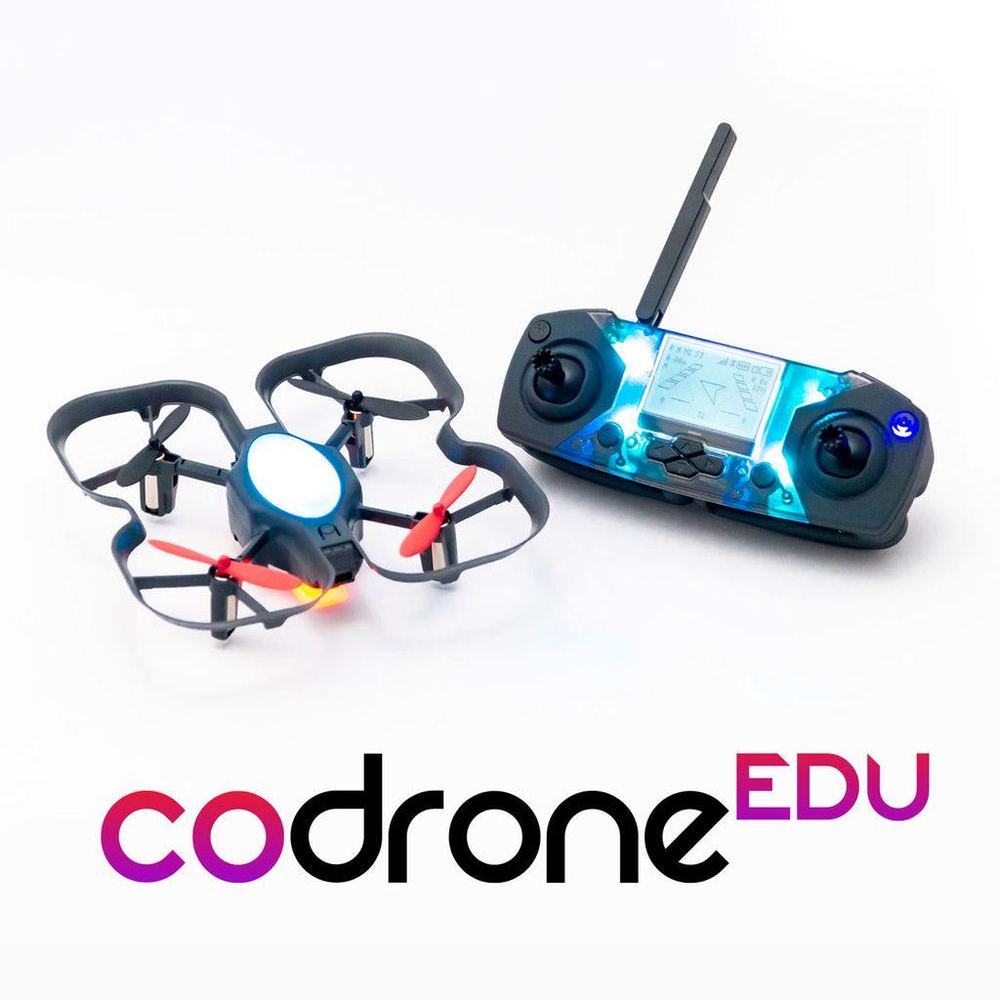
CoDrone EDU
A drone made for learning
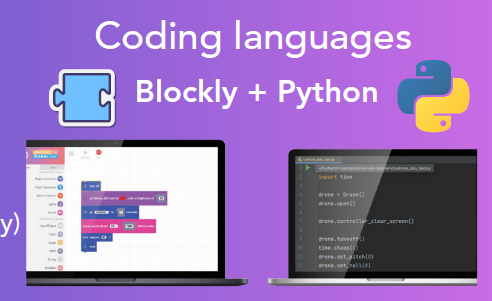
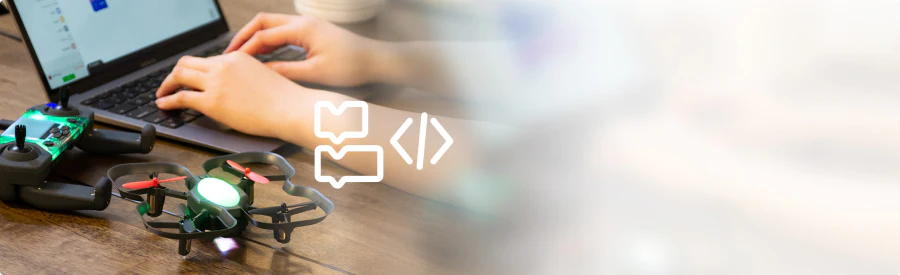
The CoDrone EDU is a programmable drone for learning. Code it in Python or start from the basics with block-based coding. With its color sensors, a front range sensor, a bottom range sensor, and more, it’s a great way to learn to code. The durable and safe frame, programmable lights, and access to 7 sensors make it an excellent learning tool and a great way to learn coding and engineering skills in the classroom and for competitions.
Age
12 y/o+
Coding Languages
Blockly, Python
Device Compatibility
Chromebook (Blockly only), macOS, Windows
Buy From:





The CoDrone EDU is the culmination of extensive feedback and research conducted by Robolink over the past six years, in collaboration with hundreds of schools worldwide that have utilized the CoDrone Pro and CoDrone Mini. Through email exchanges, phone conversations, technical support virtual meetings, user testing participation, and both externally and internally run classes, Robolink gathered valuable insights about the successes and shortcomings of their previous drones.
Technical Specification
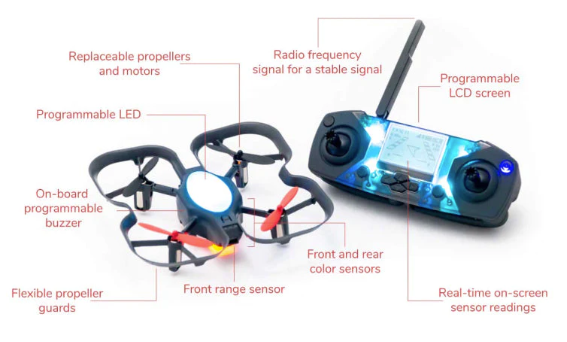
Sensors: Gyroscope, accelerometer, barometer, optical flow, bottom range, front range, floor colour sensor
Coding/Programming: Blockly and Python
Coding Compatibility: Chromebook, Windows and MacOS computers with a USB port
Controller Compatibility: Includes controller with display
Drone Rechargeable Battery : 3.7V | 530mAh |7-8 min flight time | 60 mins charge time
Range: 50 Meters
Controller Power: Micro-USB or Non-rechargeable 2 * AA batteries (Do not use both)
7 programmable sensors
There are plenty of advanced sensors packed into a small package. All of these sensors can be accessed from code and used to detect information about the environment.
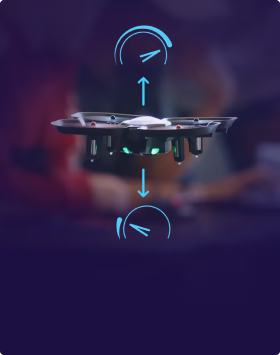
Barometer
For sensing height and pressure
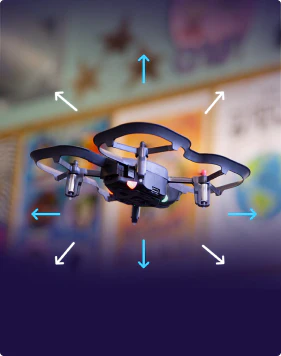
Accelerometer
For sensing acceleration
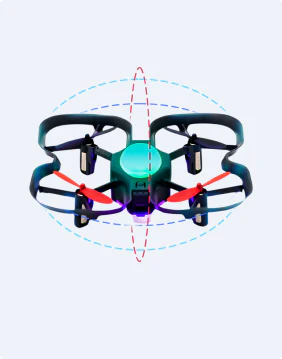
Optical flow
For sensing relative position
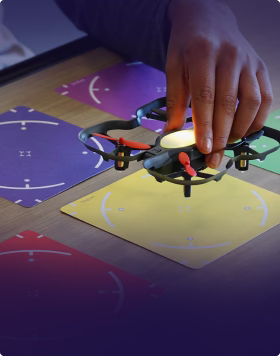
Color
For sensing surface colors
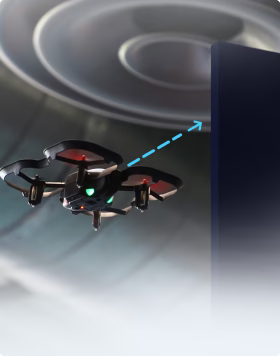
Front range
For sensing obstacles ahead
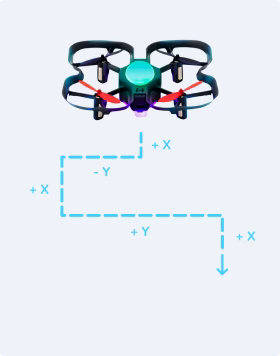
Gyroscope
For sensing rotation
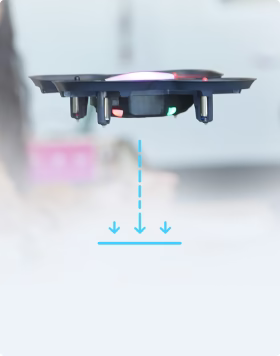
Bottom range
For sensing distance to the ground
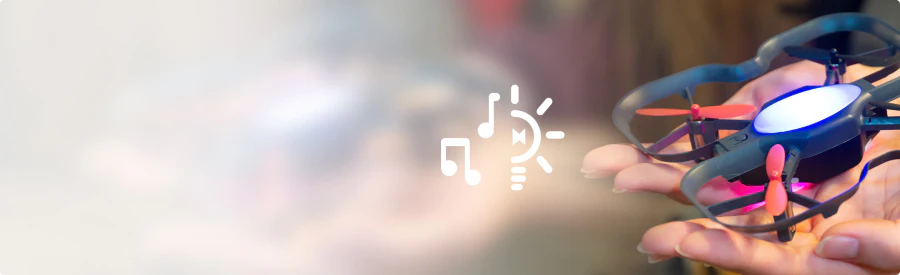
Code Sounds & Light
Code the lights and sound to indicate when you've detected an obstacle or flown above a certain height, or code them just for fun.
Programmable Controller and LCD Screen
The controller isn't just for piloting—it reads real-time sensor data and it's also fully programmable. Use code to create your own controls, draw sensor data on the screen, or create your own applications.